Your sources
Semantic search4 passages
Search your sources to support your ideas.
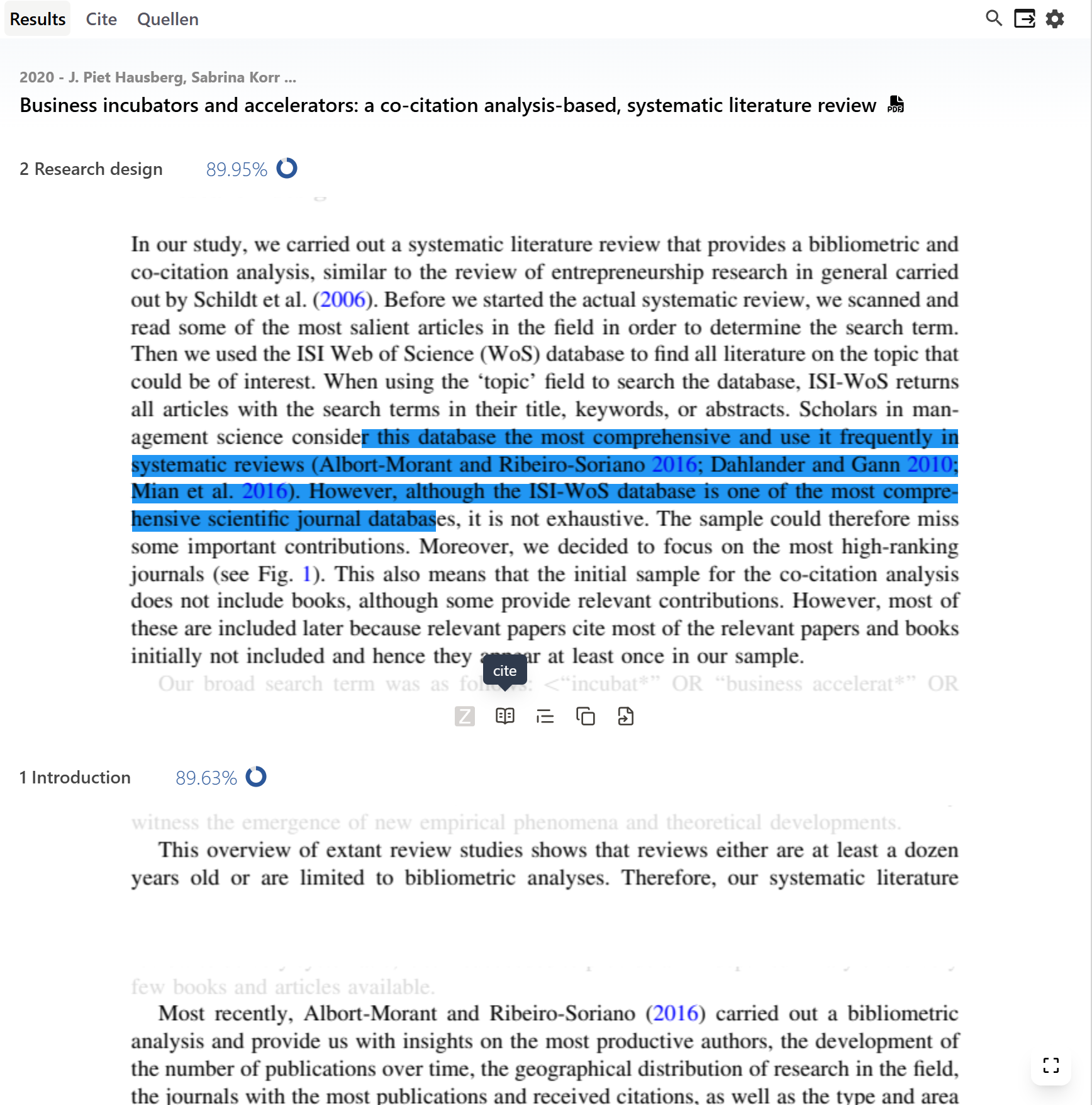
Go beyond individual keywords. Sourceress finds passages that match the meaning of your question.
Research with Sourceress →Sourceress finds relevant passages directly in your own sources and supports you throughout research, writing, and citation.
Supported by





| Feature | Sourceress | AI toolsJenni.ai, Consensus | Citation softwareMendeley, EndNote, Citavi |
|---|---|---|---|
| Search your own sources (without hallucinations) | ✓ | − | ✓ |
| Search semantically for ideas | ✓ | ✓ | − |
| Find the right passage, not just the document | ✓ | ∼ | − |
| Read the original passage immediately | ✓ | − | ∼ |
| Work directly in your writing workflow | ✓ | ∼ | ✓ |
| Find a source for your own text | ✓ | ∼ | ∼ |
| Cite directly | ✓ | ∼ | ✓ |
| Generate text with AI | − | ✓ | − |
Go beyond individual keywords. Sourceress finds passages that match the meaning of your question.
Research with Sourceress →Relevant passages appear right where you write. Review the full context without leaving your document.
Write with Sourceress →Check whether your citation truly supports your point. Sourceress shows you the original passage and keeps it connected to the source.
Cite with Sourceress →Your workflow stays yours
 Sourceress
 Sourceress for Overleaf
The Chrome extension brings your sources directly into Overleaf. The perfect solution for anyone who works with LaTeX.
Sourceress & Overleaf → Sourceress for Word
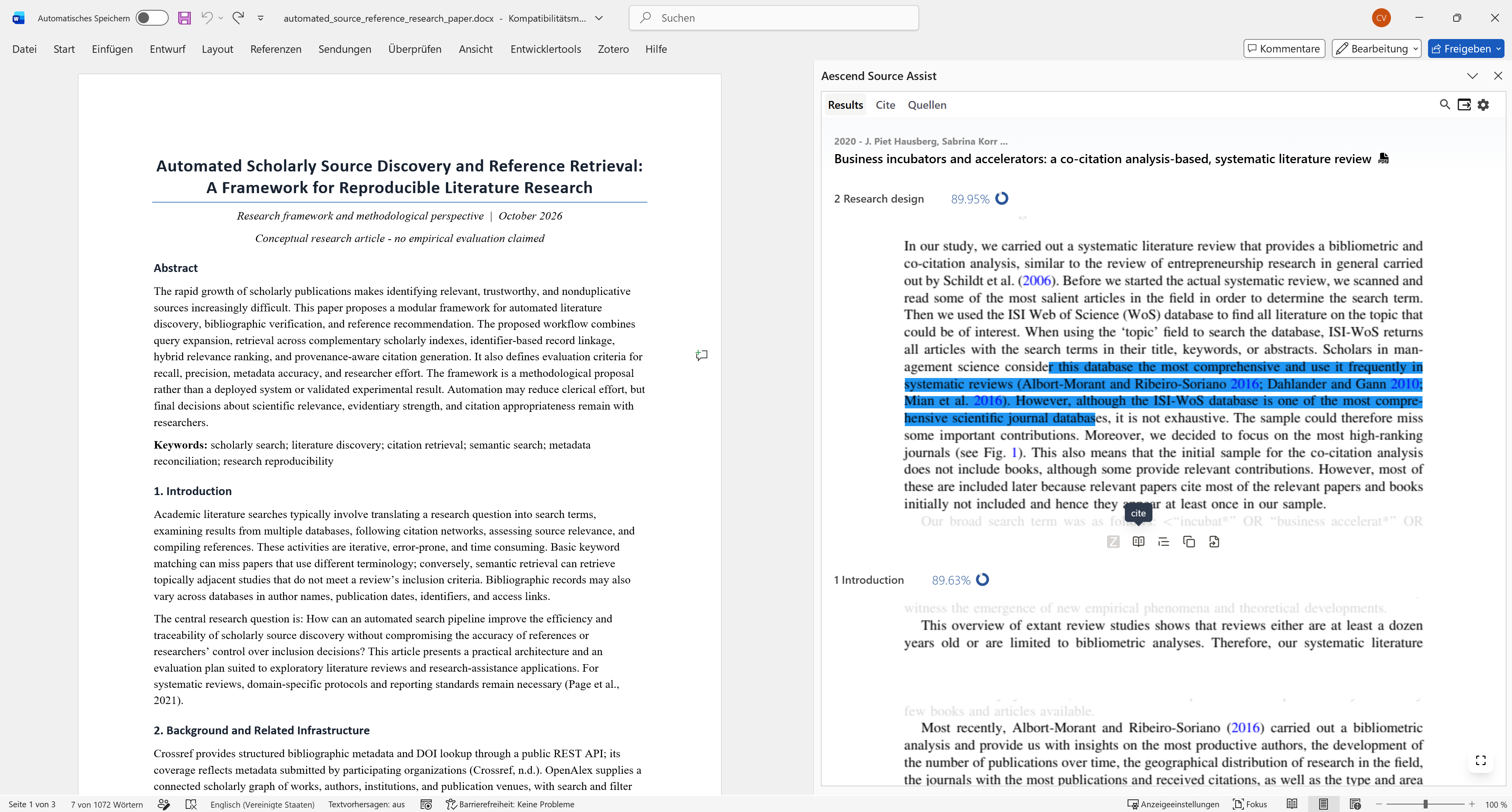
The Word add-in keeps Sourceress's powerful search right inside your familiar Microsoft environment.
Sourceress & Word →
Zotero is the tool for citations. Sourceress adds powerful search. Connect Zotero to find not only metadata, but the exact passage you need in your sources.
Sourceress & Zotero →Research, write, and cite using the relevant passages from your sources.
Get started free