Capture your ideas.
Write your paragraph or a note without leaving your train of thought to search again.
Writing with Sourceress
Find relevant passages as you write, review their context, and stay in your familiar workspace.
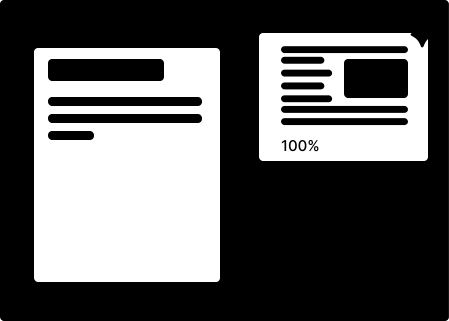
Write your paragraph or a note without leaving your train of thought to search again.
Use your wording as a starting point and see relevant passages from your sources.
Review the context and use only the information that genuinely supports your argument.
Sourceress does not write your academic texts for you. It brings the relevant original passages from your literature back into your workflow.
The argument, assessment, and wording remain yours. Sourceress shortens the path between draft and source.